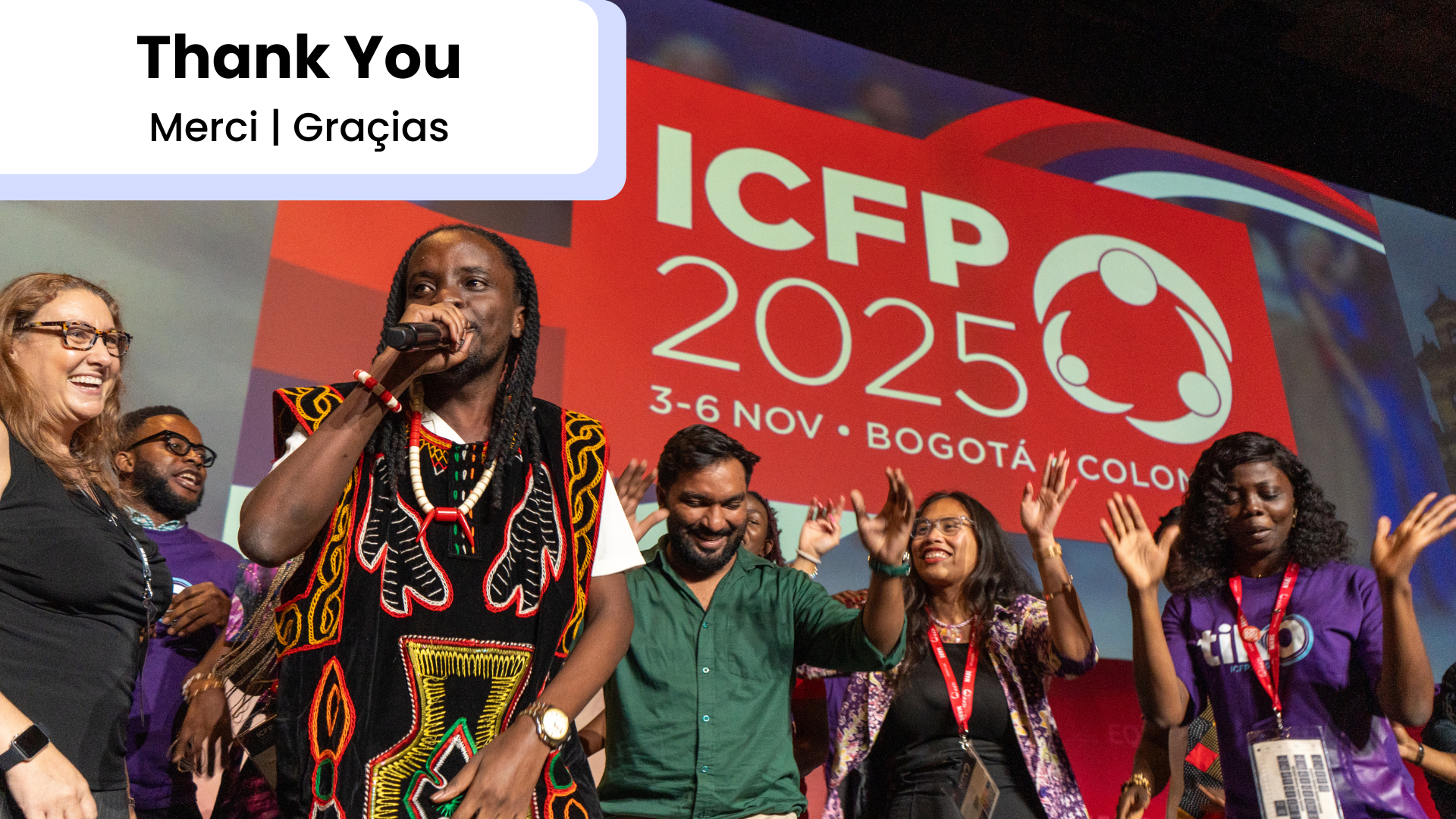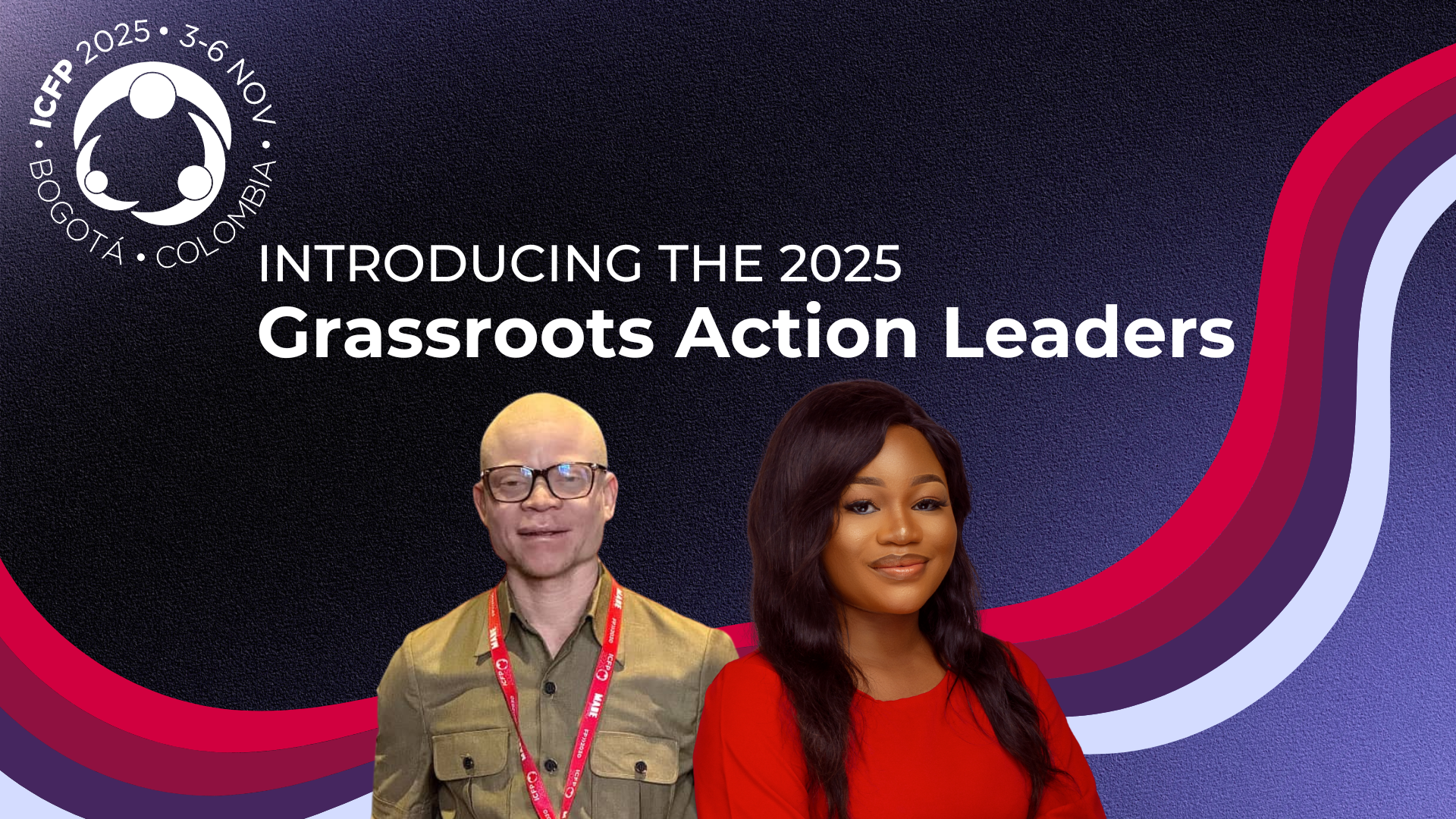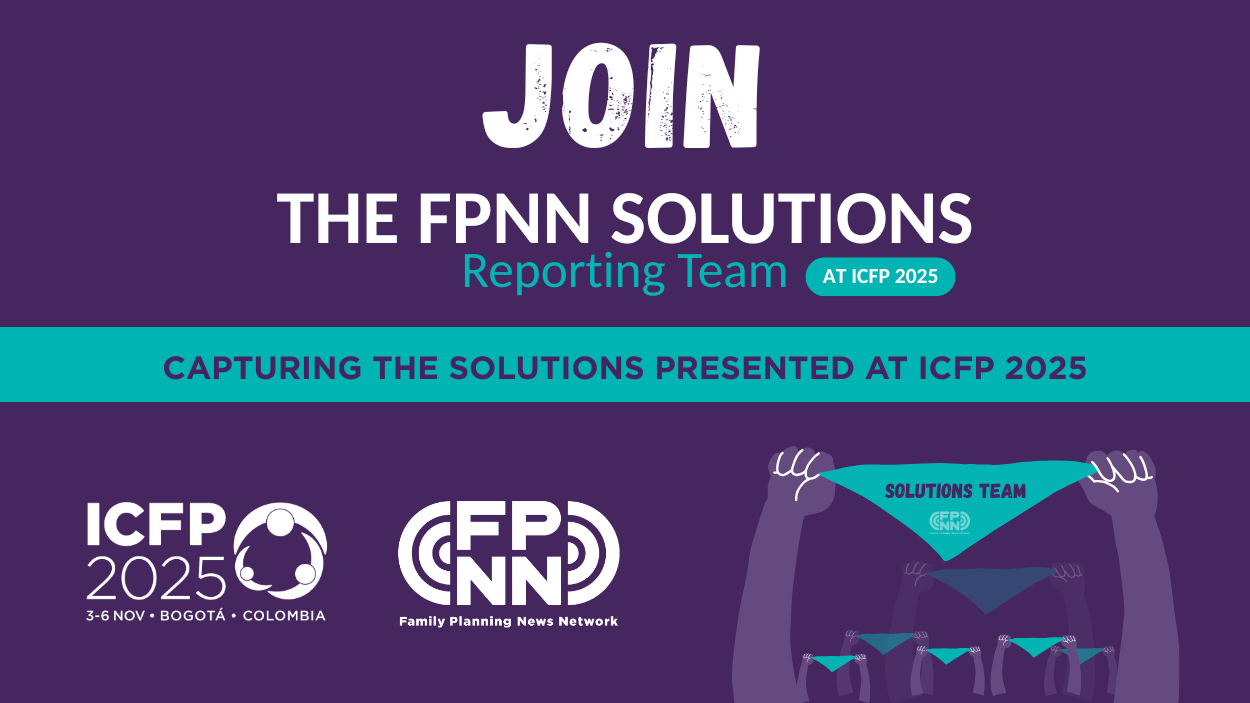
Creating visually consistent and professional materials for ICFP has never been easier! To help our partners, presenters, and delegates share their work beautifully and in alignment with the ICFP 2025 brand, we’ve developed a series of customizable Canva templates.
Whether you need PowerPoint slides, social media graphics, or vertical documents, these pre-made designs will help you quickly create high-quality visuals that match the official ICFP look and feel.
How to Use These Canva Files
Follow these simple steps to make your own editable version:
-
Click the link to open the design in Canva.
-
Do not edit directly — this ensures everyone can access the original templates.
-
Go to “File” → “Make a copy.”
-
Your copy will open automatically — it’s now saved to your own Canva account.
-
You can edit and use your version freely for your presentations, reports, or social media posts.
Available Template Types
We’ve prepared a range of formats so you can find exactly what you need:
-
PPT slides + horizontal graphics – Ideal for presentations and plenary visuals.
-
Square graphics – Perfect for social media platforms like Instagram and LinkedIn.
-
Vertical PDF documents – Best for flyers, one-pagers, or print materials.
Tips for Customization
-
Keep colors and fonts consistent to maintain the ICFP brand identity.
-
Add your own content, images, and logos as needed.
-
Download your final design in the appropriate format (PDF, PNG, or JPG) depending on your use case.
Get Started
Access the full set of Canva templates via the links provided in your ICFP communications toolkit or media center. Start designing today and help us share the ICFP message — Equity Through Action — with creativity and consistency!